

Start
$590$990/month
- Ad spend
- up to $3,000
- New creatives
- on Google + Meta plans4 a month
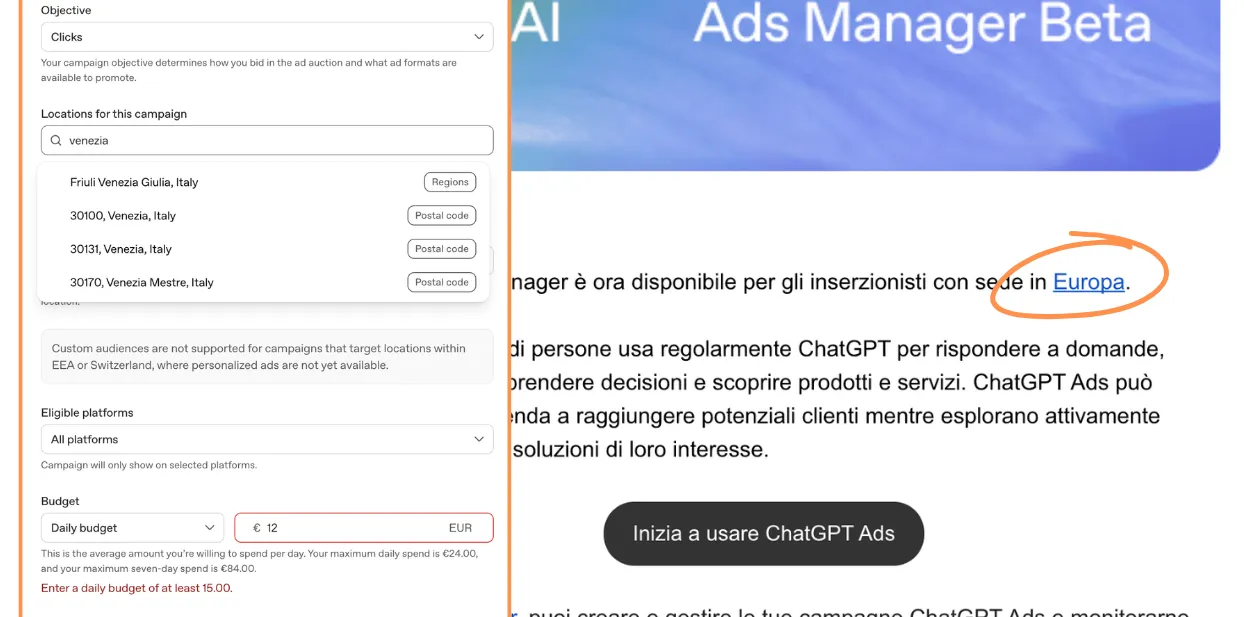
Reports that ChatGPT now includes an “Ads Manager” app point to an important potential shift in PPC operations: campaign analysis and campaign actions may increasingly happen in the same conversational workspace.
According to the app description referenced in recent discussions, the integration can connect users with ad accounts, campaigns, ad groups, ads, performance metrics, conversion reporting, creative uploads, and—in some cases—self-serve account setup. If those capabilities are available in a given account, the practical appeal is clear. A marketer could move from a question such as, “Which ad groups lost conversion volume last week?” to an informed follow-up action without switching repeatedly between reporting tools, spreadsheets, and an advertising interface.
However, Google Ads professionals should be careful not to treat this as a universally available, fully autonomous Google Ads management solution.
“Ads Manager” is not the standard name Google uses for its advertising platform. Google’s product is Google Ads, while its management ecosystem includes the Google Ads interface, Google Ads Editor, Google Ads API, Google Ads scripts, Looker Studio integrations, and related Google products such as Google Analytics and Merchant Center.
That distinction matters. A ChatGPT app named “Ads Manager” may support Google Ads, another advertising platform, multiple platforms, or a third-party service layer. The app’s presence in ChatGPT should not, by itself, be interpreted as confirmation of a native Google-built integration or an official replacement for Google Ads management tools.
There is also an important terminology issue in the original claim. ChatGPT’s former Plugins experience should not be confused automatically with its newer app or connector experiences. Access methods, permissions, account availability, and supported actions may differ by product version and by the app provider. Advertisers should rely on the current in-product listing and authorization screens rather than older instructions referring generically to a “Plugins section.”
If an app can retrieve campaigns, ad groups, ads, metrics, and conversions, it can potentially support useful conversational analysis. This could reduce friction in several familiar PPC tasks:
- Comparing performance changes across campaigns or date ranges
- Identifying ads or ad groups associated with declining conversion volume
- Translating account data into a concise management summary
- Reviewing creative inventory before preparing new assets
- Turning a structured performance question into an actionable workflow
For busy Google Ads teams, that is meaningful. The real opportunity is not that a chatbot can replace an account structure or bidding strategy. It is that analysis, decision-making, and operational work may become less fragmented.
But data access and management access are different permissions. Being able to read performance data does not necessarily mean an app can edit budgets, pause ads, change targeting, create campaigns, upload assets, or modify conversion settings. Likewise, the ability to upload creative does not establish whether the system can create compliant ads, select the appropriate campaign, apply policy checks, or publish assets without additional review.
Neither does access to campaign controls demonstrate autonomous optimization. A conversational interface can make execution easier while still requiring explicit user instructions and approvals for every meaningful change. Those are very different operating models.

Google Ads changes rarely exist in isolation. A request to reduce spend on a campaign may affect impression share, learning periods, shared budget allocation, portfolio bidding, lead quality, or a client’s monthly pacing plan. A recommendation to pause a weak ad may overlook asset-level reporting, experiment design, limited data volume, or a recent landing-page change.
For that reason, ChatGPT-based campaign management should be viewed first as a decision-support and workflow layer, not as a substitute for PPC judgment.
Before introducing an Ads Manager app into a production workflow, teams should validate the specific actions enabled in their own account. The relevant questions are practical:
- Is the connection read-only, or can it make edits?
- Which Google Ads account types, countries, and user roles are eligible?
- Does access apply at an individual account or manager-account level?
- Are changes immediate, staged for review, or subject to additional confirmation?
- Which conversion metrics and attribution settings are available?
- How are user permissions, client access, and audit trails handled?
- Can the app interact with sensitive areas such as billing, conversion configuration, audiences, or policy-restricted creative?
These questions are especially important for agencies and in-house teams operating under approval procedures. Convenience should not weaken account governance.
The most credible near-term use case is conversational campaign intelligence paired with tightly controlled execution. An experienced PPC specialist may ask for a structured analysis, challenge the interpretation, request a comparison against previous periods, and then decide whether an account change is justified.
That workflow can be faster than manually assembling the same view across multiple interfaces. Yet the quality of the result will still depend on conversion tracking, campaign structure, naming discipline, data freshness, permissions, and the operator’s understanding of Google Ads auction dynamics.
ChatGPT apps could narrow the distance between Google Ads reporting and campaign action. Whether they become a dependable management layer will depend less on the novelty of the interface and more on the exact permissions, safeguards, eligibility rules, and controls available to each advertiser.
$590$990/month
$790$1,290/month
$1,140$1,940/month
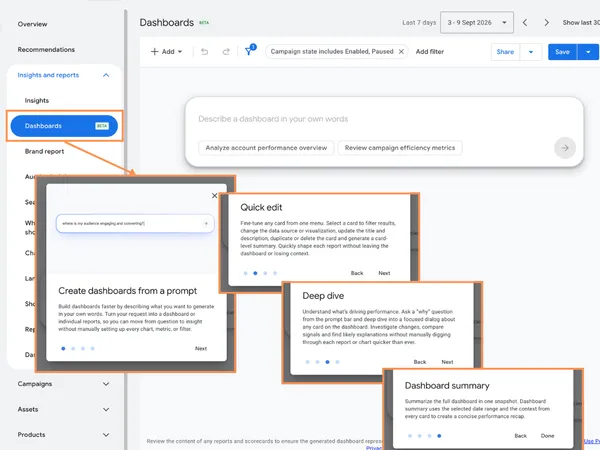 AI-generated dashboards in Google Ads: useful reporting shortcut or another layer to validate?
 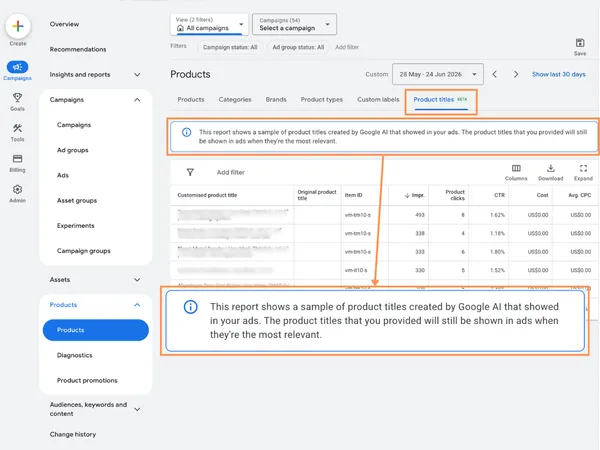 Google Ads tests AI-generated product titles for Shopping ads in beta
 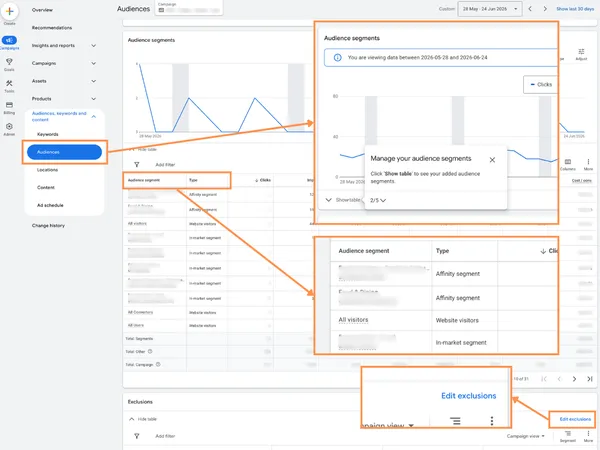 Google Ads adds audience reporting and exclusions to Performance Max
 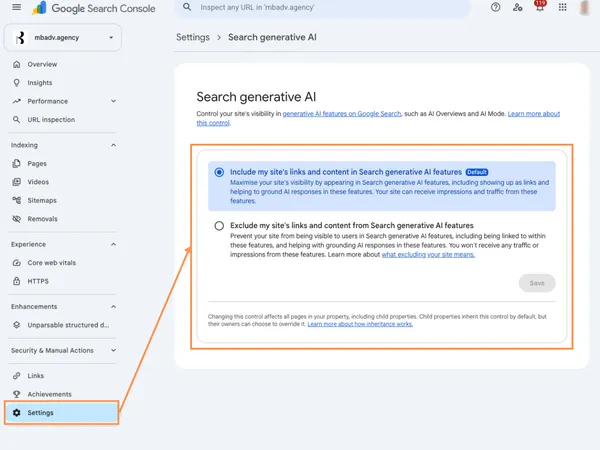 Google Search Console’s Generative AI Control Center: What It Means for SEO and Google Ads
  Google AI Mode queries are 3x longer: what it means for Google Ads strategy
 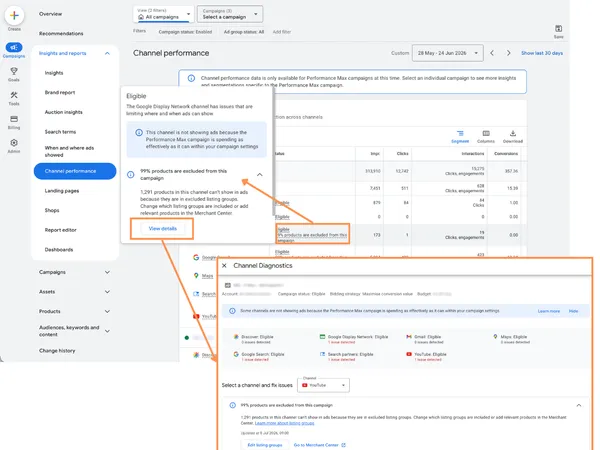 Google Ads PMax Channel Diagnostics: a better way to audit Performance Max assets
 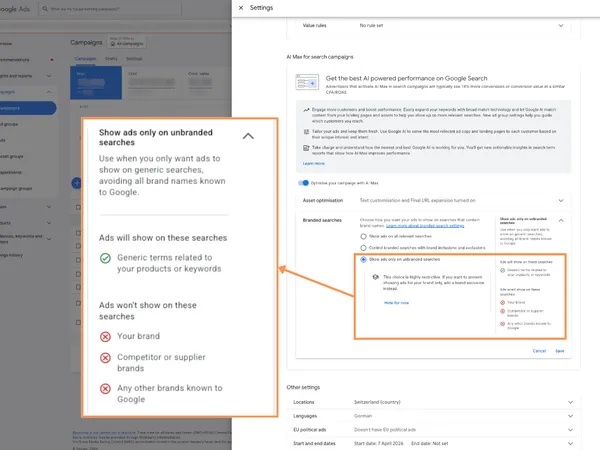 Google Ads AI Max now adds branded searches control for better brand and non-brand campaign management
 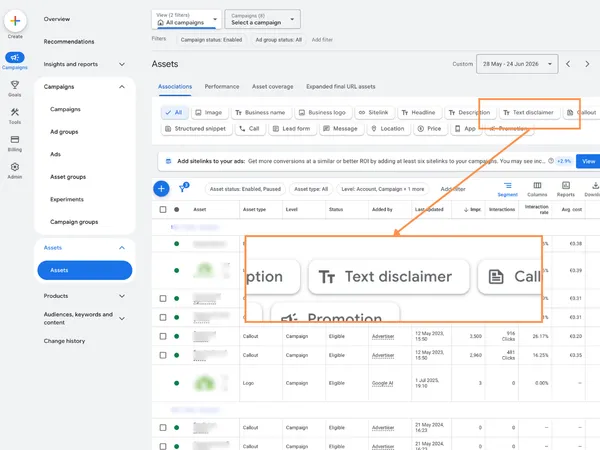 Google Ads Text Disclaimer assets: why this small Search update matters for compliant advertising
 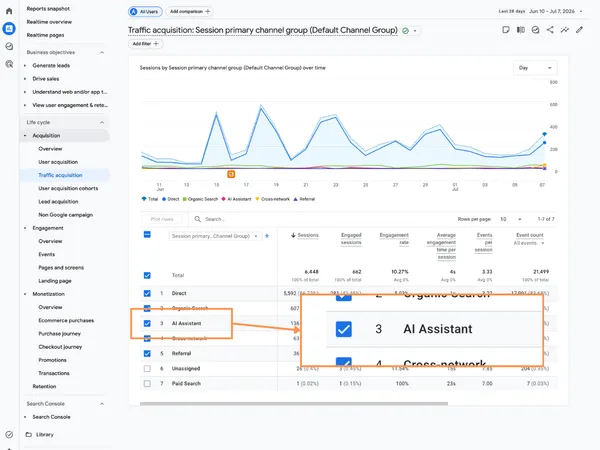 GA4 adds AI Assistant as a Default Channel Group: what it means for SEO, PPC, and attribution
 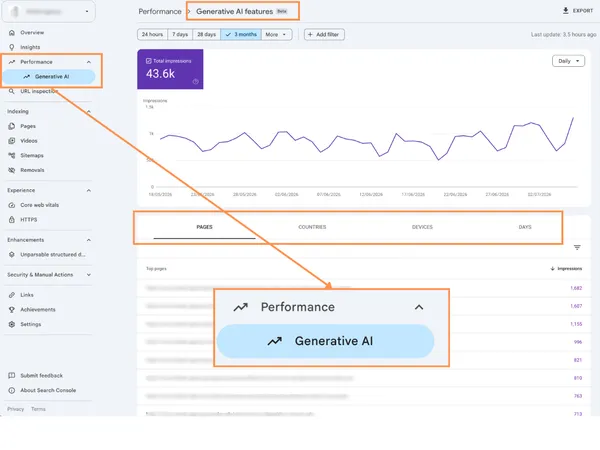 Google Search Console introduces dedicated AI visibility reporting for SEO and search performance
 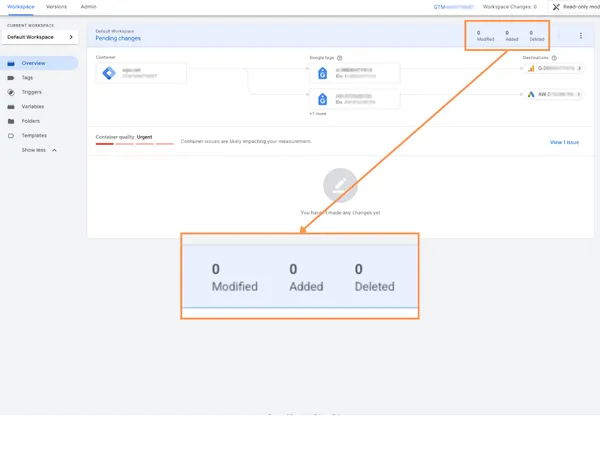 Google Tag Manager visual event builder for Google Ads purchase conversions improves tracking setup
  Google Ads adds Security Tasks in Access and security: why the new Summary tab matters
Matteo Braghetta founded MB Adv and runs its Google Ads accounts. He takes the first call with every new client, reads the accounts every week and writes the agency’s guides.
The other half of his job is measurement: GA4, Consent Mode and server-side tracking, so the platforms learn from real sales.
MB Adv is a Google Partner agency managing about $4.4M a year in ad spend for clients in the US, the UK and Europe.
Managed on numbers you can check.
Plans for the US