

Start
$590$990/month
- Ad spend
- up to $3,000
- New creatives
- on Google + Meta plans4 a month
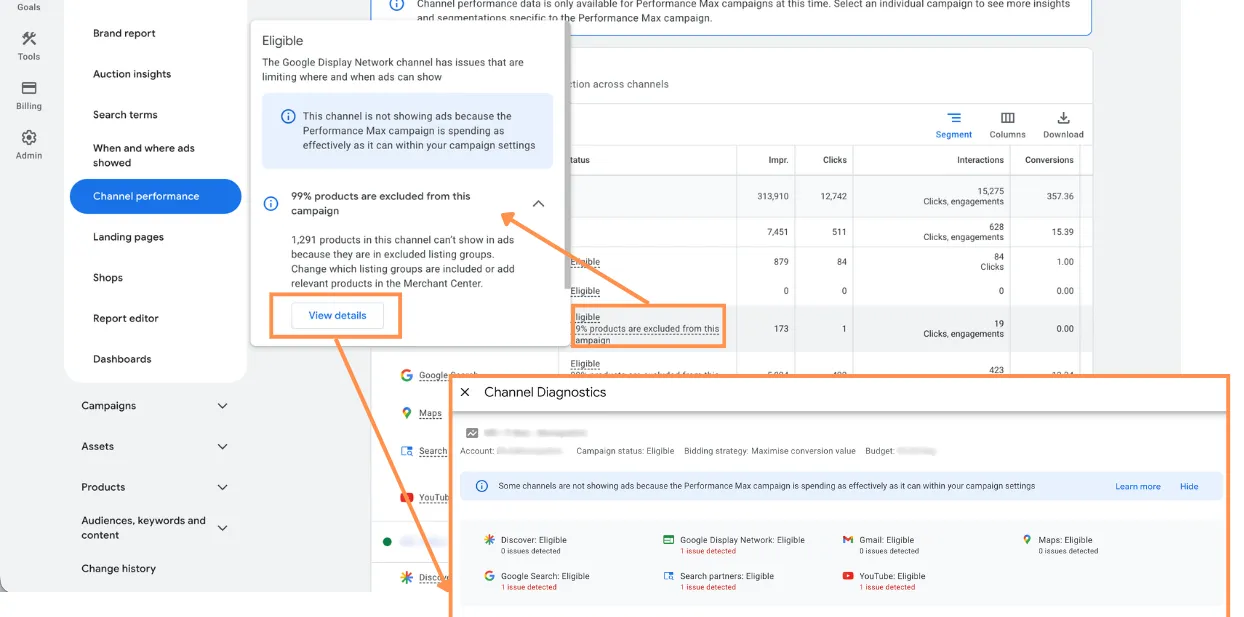
Google Ads has introduced a new Channel Diagnostics view for Performance Max campaigns, and while the update may look incremental at first glance, it addresses a long-standing operational weakness in PMax management: the gap between asset group completeness and actual channel eligibility.
For advertisers who work with Performance Max regularly, that distinction matters. One of the recurring frustrations with PMax has never been the lack of reporting alone, but the lack of precision when something is underdelivering. A campaign can appear structurally sound at the asset-group level while still being constrained in one or more Google surfaces because specific creative formats are missing, incompatible, or poorly adapted to that placement environment.
The new diagnostics layer moves Google Ads a step closer to making Performance Max more auditable in practice, not just more automated in theory.
The new feature sits inside the “Channel performance” area under Insights and reports. From there, advertisers can hover over a channel’s status and open detailed diagnostics. What Google Ads surfaces is not just a generic warning, but channel-specific issues tied to creative assets. That includes missing descriptions, absent headlines, unsupported image aspect ratios, and logo format limitations.
This is a meaningful change because Performance Max has always distributed ads across multiple inventories with very different creative requirements: Search, YouTube, Display, Discover, Gmail, and Maps all interpret the same asset pool differently. In the past, advertisers often had to infer channel limitations indirectly. If YouTube exposure seemed weak, or Discover inventory looked limited, the root cause might have been an asset issue, but the interface did not make that especially easy to confirm.
Now, Google is making that diagnostic path more explicit. That does not turn PMax into a fully transparent campaign type, but it does reduce one of the more avoidable forms of ambiguity.
It would be easy to describe this as a time-saving interface improvement, but the practical value is broader than that. Channel Diagnostics changes how advertisers can evaluate asset coverage inside Performance Max.
In many accounts, asset reviews are still done at too high a level. Teams check whether an asset group includes the required number of headlines, descriptions, images, and logos, then move on. But “present” does not necessarily mean “usable everywhere.” A landscape image may exist, yet still fail to support a channel effectively if the aspect ratio is incompatible with available placements. A logo may be uploaded, but not in the format needed to unlock certain inventory. A campaign may technically be complete while still being creatively partial.
That distinction affects reach, delivery flexibility, and potentially efficiency. If a channel cannot serve because the asset mix is incomplete, the machine has fewer options. And when PMax has fewer options, performance interpretation becomes harder. Is the campaign biased toward Search because Search is outperforming, or because other channels are less eligible? Is weak YouTube presence strategic, or simply the result of missing creative compatibility? Without diagnostics, those questions often remain speculative.
This update helps separate performance decisions from asset constraints.

Performance Max has always forced advertisers to operate with an unusual balance of trust and skepticism. Google asks for broad automation trust, while practitioners still need enough visibility to diagnose avoidable inefficiencies. That tension has shaped much of the discussion around PMax since launch.
Channel Diagnostics does not solve the broader transparency debate, but it does improve one important layer of control: creative troubleshooting. Instead of reviewing assets in the abstract, advertisers can now identify where a specific channel is blocked or limited by missing inputs.
That matters especially in larger accounts where multiple stakeholders touch creative production. PPC managers may not own design workflows directly, and creative teams may not always understand how slight formatting differences affect delivery across Google inventory. A diagnostic view tied to channel status makes those conversations more concrete. It becomes easier to explain why a campaign needs additional image variants or adjusted logo dimensions when the platform itself is flagging a channel-specific limitation.
In that sense, the feature is not just diagnostic. It is operationally useful for cross-team alignment.
The most immediate use case is systematic auditing of PMax asset groups. For mature accounts running multiple campaigns across categories, geographies, or product lines, this feature should make quality control more efficient. Instead of relying on a broad asset completeness check, advertisers can review whether each asset group is actually capable of serving across the intended channel mix.
That said, the feature has limits.
First, diagnostics identify technical or compatibility gaps, not strategic quality issues. A channel may be eligible, but still underperform because the assets are weak, generic, off-brand, or poorly matched to user intent. The new view can tell you that an image ratio is missing; it cannot tell you whether the available creative is persuasive enough to compete effectively.
Second, asset eligibility should not be confused with channel necessity. Not every advertiser needs to maximize every PMax channel equally. In some accounts, limited exposure on a given surface may be acceptable if business economics favor other placements. Diagnostics are helpful, but they should be interpreted within campaign objectives, not treated as a universal checklist to satisfy at all costs.
Third, Google is still framing the issue from the platform side. Advertisers can now see more clearly when assets restrict channel access, but they still have limited visibility into how heavily each asset type influences actual auction participation and performance weighting over time.
So while this is a welcome improvement, it is best understood as a better debugging tool, not a complete strategic reporting layer.
At a broader level, this rollout reflects a familiar direction in Google Ads product development. Google is unlikely to reverse course on automation-led campaign types, but it is gradually adding narrower forms of transparency where advertiser friction becomes too persistent to ignore.
That pattern matters. The future of Performance Max is probably not full manual visibility in the traditional sense. More likely, Google will continue introducing selective diagnostic tools that help advertisers fix inputs without exposing the full decision-making logic behind outputs.
For experienced practitioners, that means the job remains the same: improve controllable variables, audit structure rigorously, and treat every new visibility layer as an opportunity to reduce hidden inefficiencies.
Channel Diagnostics fits that model well. It does not make Performance Max simple, but it does make one part of it more inspectable. And in a campaign type where inspectability has often been the missing piece, that is a useful step forward.
$590$990/month
$790$1,290/month
$1,140$1,940/month
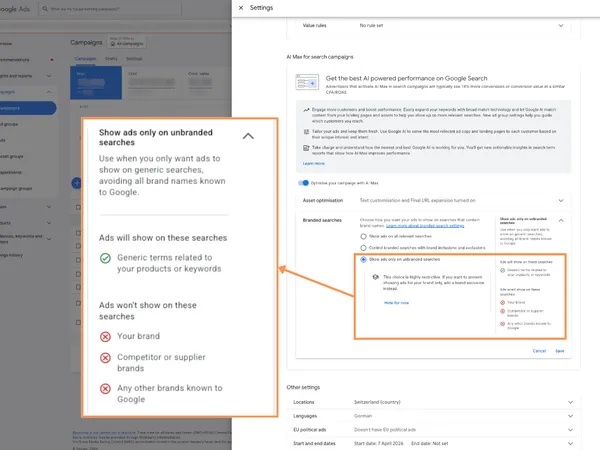 Google Ads AI Max now adds branded searches control for better brand and non-brand campaign management
 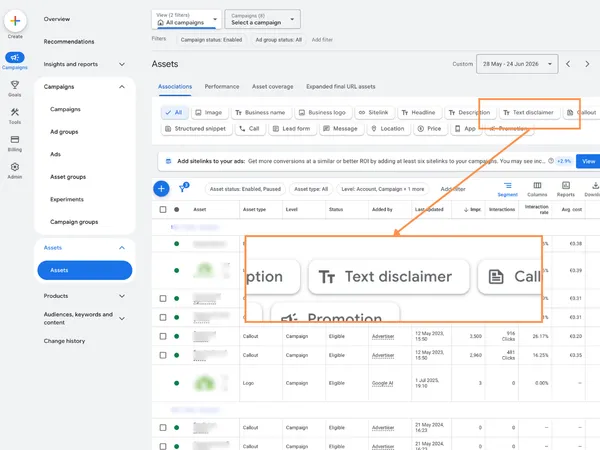 Google Ads Text Disclaimer assets: why this small Search update matters for compliant advertising
 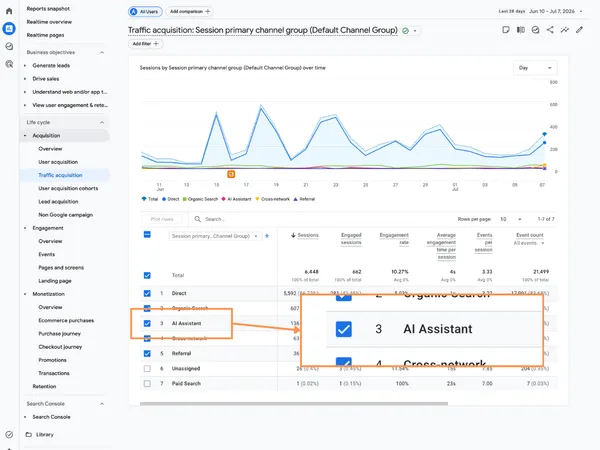 GA4 adds AI Assistant as a Default Channel Group: what it means for SEO, PPC, and attribution
 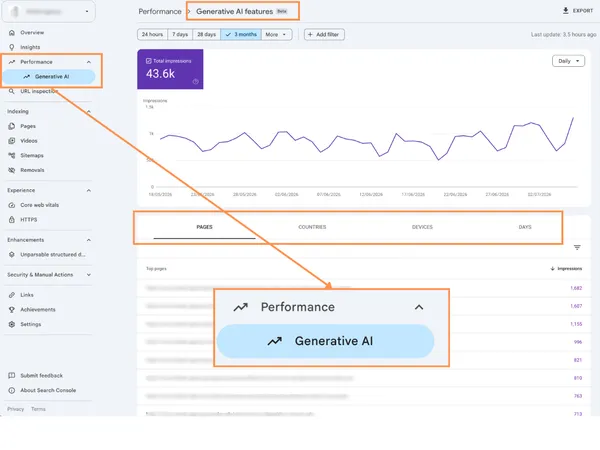 Google Search Console introduces dedicated AI visibility reporting for SEO and search performance
 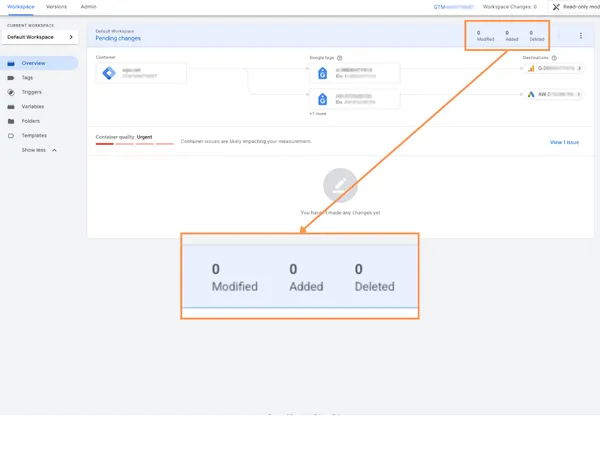 Google Tag Manager visual event builder for Google Ads purchase conversions improves tracking setup
 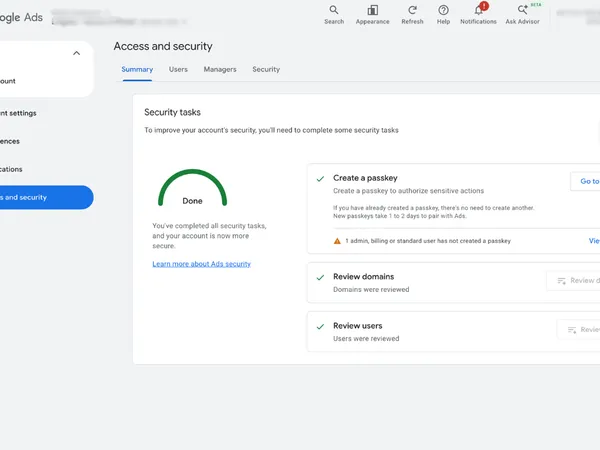 Google Ads adds Security Tasks in Access and security: why the new Summary tab matters
 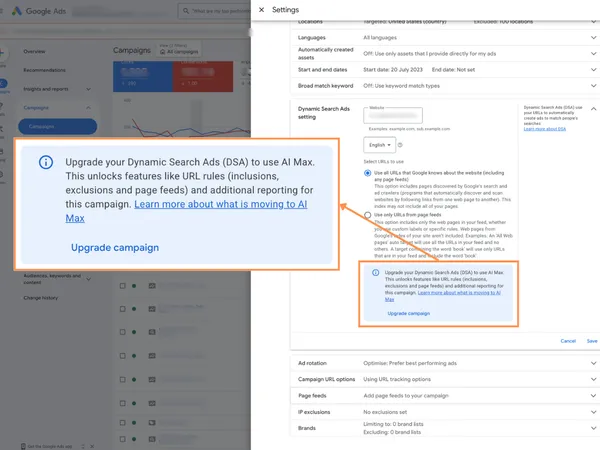 Google Ads delays DSA to AI Max auto-migration until February 2027: what advertisers need to know
 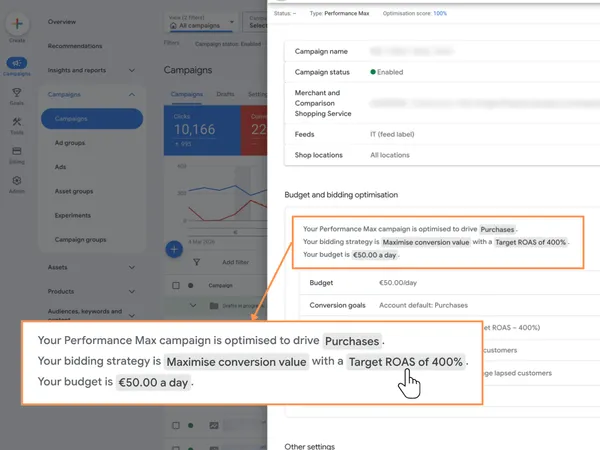 Google ads adds clickable budget and bidding summary in campaign settings to speed up audits and reduce errors
 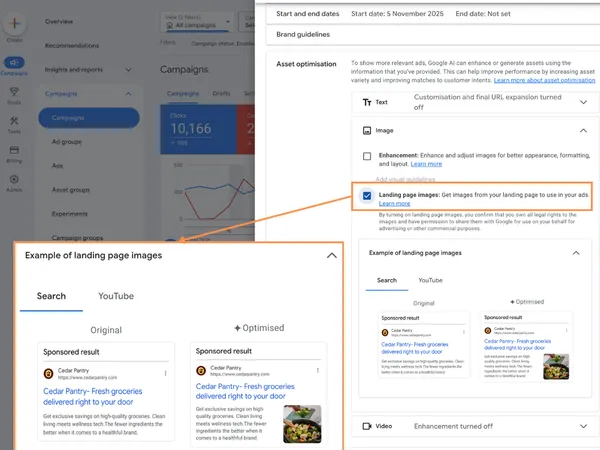 how to optimize performance max landing page images: turn your website into a high-performing creative engine
 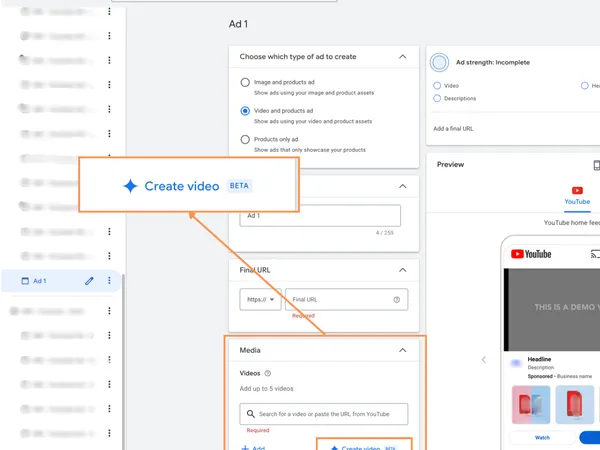 Google ads demand gen: how granular asset optimization controls give you more power over ai-generated creatives
 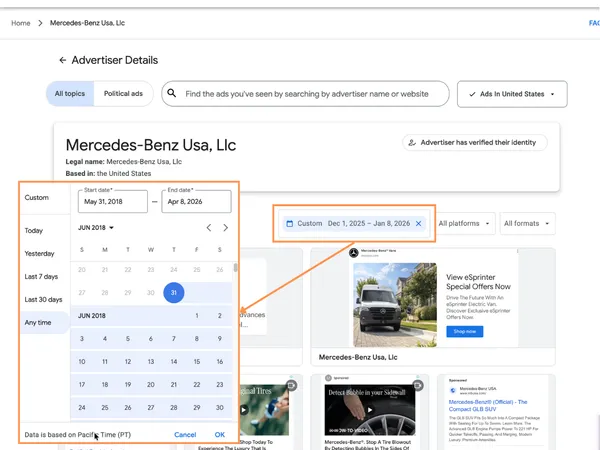 How the new Google Ads Transparency Center custom date ranges transform competitor research and seasonal campaign strategy
 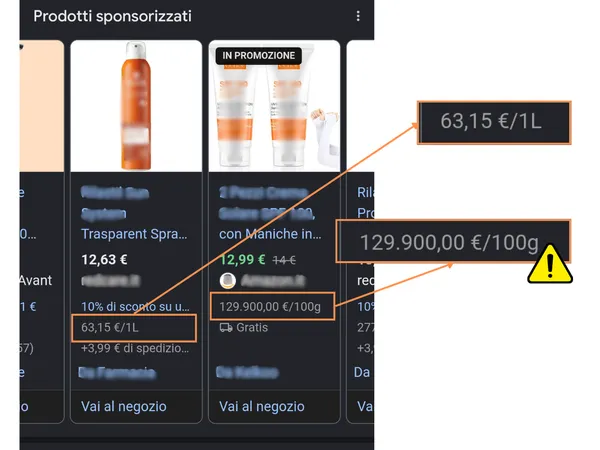 Google Shopping now shows unit pricing in product ads: why it matters for feed optimization
Matteo Braghetta founded MB Adv and runs its Google Ads accounts. He takes the first call with every new client, reads the accounts every week and writes the agency’s guides.
The other half of his job is measurement: GA4, Consent Mode and server-side tracking, so the platforms learn from real sales.
MB Adv is a Google Partner agency managing about $4.4M a year in ad spend for clients in the US, the UK and Europe.
Managed on numbers you can check.
Plans for the US